Stunning Wallpaper for iPhone 11: Best Downloads & Tips
Setting a dynamic wallpaper on iPhone 11 is one of the most satisfying ways to personalize your device, offering a glimpse of Apple’s refined aesthetic directly on your home screen. Unlike static images, these moving backgrounds respond subtly to your touch and the device’s orientation, creating a sense of depth and fluidity that feels distinctly premium. This guide explores the nuances of selecting, applying, and managing these visuals to ensure your lock screen and home screen reflect your personal style.
Understanding iPhone 11 Wallpaper Options
The iPhone 11 provides two primary categories for your background: Dynamic and Still. Dynamic wallpapers are the star of the show, featuring gentle animations like flowing light, weather effects, or subtle parallax that mimic the device’s motion. These are pre-installed and designed to showcase the OLED-like quality of the LCD display. Conversely, Still wallpapers are static images, allowing you to use any photo from your library or a solid color, providing a classic and stable backdrop.
The Gallery of Pre-Installed Art
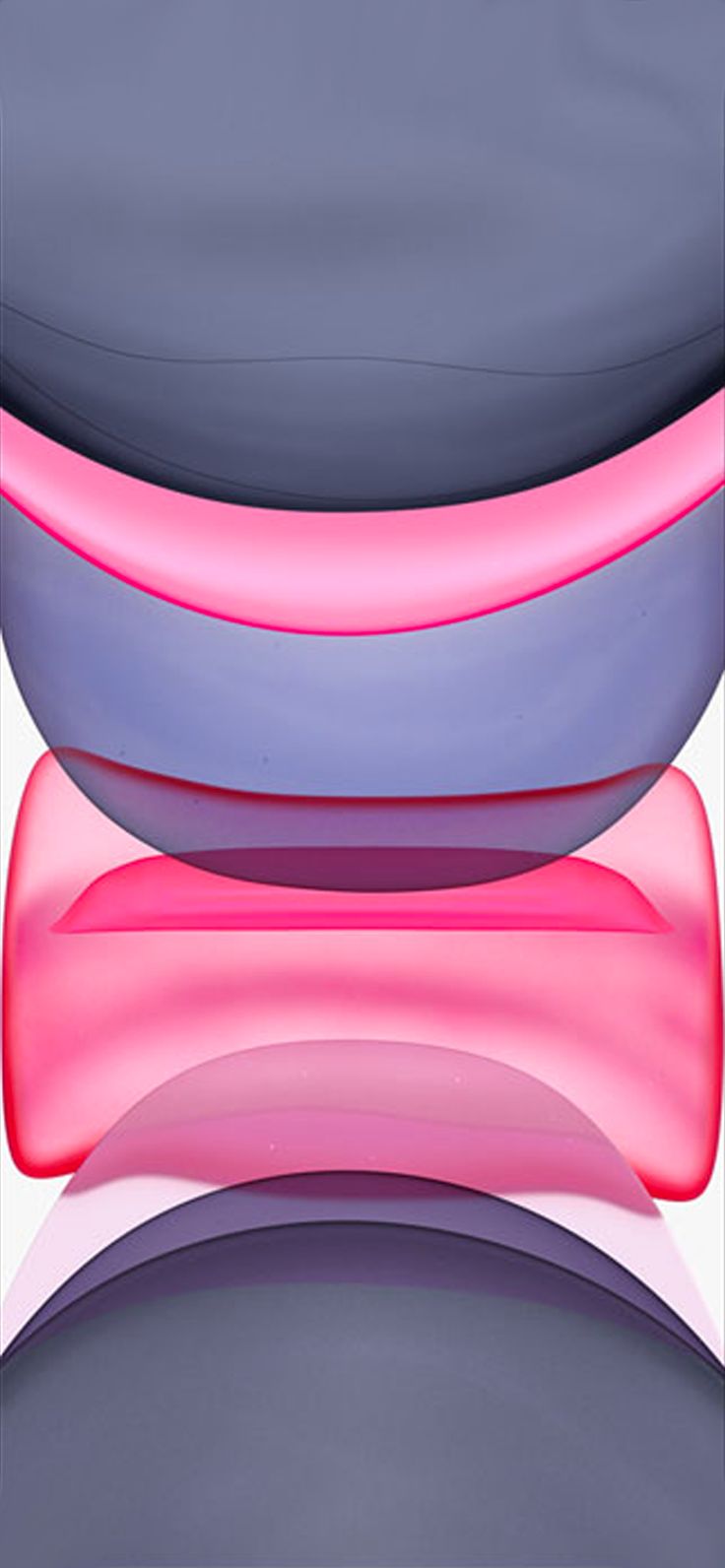
Apple curates a stunning collection of high-resolution images with the iOS ecosystem, ranging from iconic landscapes to abstract geometric patterns. For the iPhone 11, these often feature vibrant colors and detailed compositions that look exceptional on the 6.1-inch Liquid Retina HD display. When browsing these options, consider how the color palette will complement your app icons and widgets, ensuring a cohesive and visually pleasing interface.


- Flow: A serene animation of light pulses across the screen.
- Emerald: A macro photograph of green ferns capturing intricate detail.
- Starlight: A cosmic scene that subtly shifts and glimmers.
- Fern: A minimalist, elegant pattern of fronds.
- ColorShift: A vibrant, abstract design that reacts to tilt.
Step-by-Step Application Process
Applying a new wallpaper is a straightforward process that puts your personal touch on the device immediately. You can manage settings separately for your Lock Screen, Home Screen, or set a unique image for both. The key is to navigate the settings with intention to achieve the perfect look without compromising performance.
Accessing the Settings Menu
Begin by opening the "Settings" app on your home screen. Tap on "Wallpaper," which is often located near the top of the menu. This action opens a dedicated panel where you can browse Apple’s dynamic and still collections, or choose from your own photo library. The interface is designed for clarity, with a preview window showing how the selected image will appear on both your lock and home screens.


| Screen Type | Recommended Source | Effect |
|---|---|---|
| Lock Screen | Dynamic Wallpapers | Subtle motion upon wake |
| Home Screen | High Contrast Still Images | Crisp icon visibility |
Maximizing Visual Impact and Performance25
While the visual appeal is paramount, it’s wise to consider how your wallpaper choice impacts the overall performance of your iPhone 11. Highly detailed dynamic wallpapers, while beautiful, can occasionally use slightly more processing power than static images, potentially affecting battery life marginally. For optimal battery efficiency, selecting a still image or a simpler dynamic pattern is advisable, especially if you notice any lag or heating.
Furthermore, the composition of your chosen image can significantly affect the readability of text and icons. Apple’s interface relies on a degree of transparency; therefore, selecting a wallpaper with balanced light and dark areas ensures that your apps remain legible. Avoid images with overly busy centers where you typically place your most-used applications, favoring gradients or textured surfaces instead.
Personalization Beyond the Presets
For those who desire a truly unique experience, moving beyond the pre-installed options is the next logical step. The Photos app allows you to set any image from your gallery as your wallpaper, turning a personal memory or a favorite photograph into your background. This process involves cropping and positioning the image to ensure it fits the screen perfectly, and you can even apply the same image to both your lock and home screens for a unified aesthetic.


Experimentation is key here; try using a solid color block for a minimalist vibe, or a blurred version of a cherished photo to create a sophisticated backdrop. This level of customization ensures your iPhone 11 doesn’t just a device, but an extension of your personality, seamlessly blending function with individual expression.


Related Articles

Festive iPhone Wallpaper: Stunning Christmas Scenes to Download
Transform your iPhone into a festive portal this holiday season with our curated collection of Christmas scenes wallpaper. As the days grow shorter and the air...

Stunning Eyelashes Wallpaper for iPhone - High-Resolution HD Images
For the iPhone user who values both aesthetic cohesion and personal expression, the right wallpaper is the silent foundation of the digital experience. The...

Minimalist Blue Wallpaper for iPhone - Stunning HD Download
For the iPhone user who values clarity and calm, a blue minimalist wallpaper is more than just a backdrop; it is a deliberate choice to streamline the digital...

Canon Rebel Long Exposure Magic: Stunning Night Sky Photography Tips
Capturing the serene flow of a waterfall or the streaking lights of a nighttime cityscape requires more than just a standard snapshot. The Canon Rebel long...

Free Picture Print: Stunning Wall Art Downloads Await
Finding high-quality images without breaking the bank is a priority for bloggers, marketers, and content creators alike. Picture print free services have...

Where Can I Edit Audio for Free? Best Tools & Tips
Finding a reliable way to edit audio for free can feel overwhelming, but the landscape has changed dramatically in recent years. High-quality audio is no...